

Superdesign offers three chat modes, each designed for a different stage of your design process. You can switch modes anytime depending on how clear your idea is.Documentation Index
Fetch the complete documentation index at: https://docs.superdesign.dev/llms.txt
Use this file to discover all available pages before exploring further.
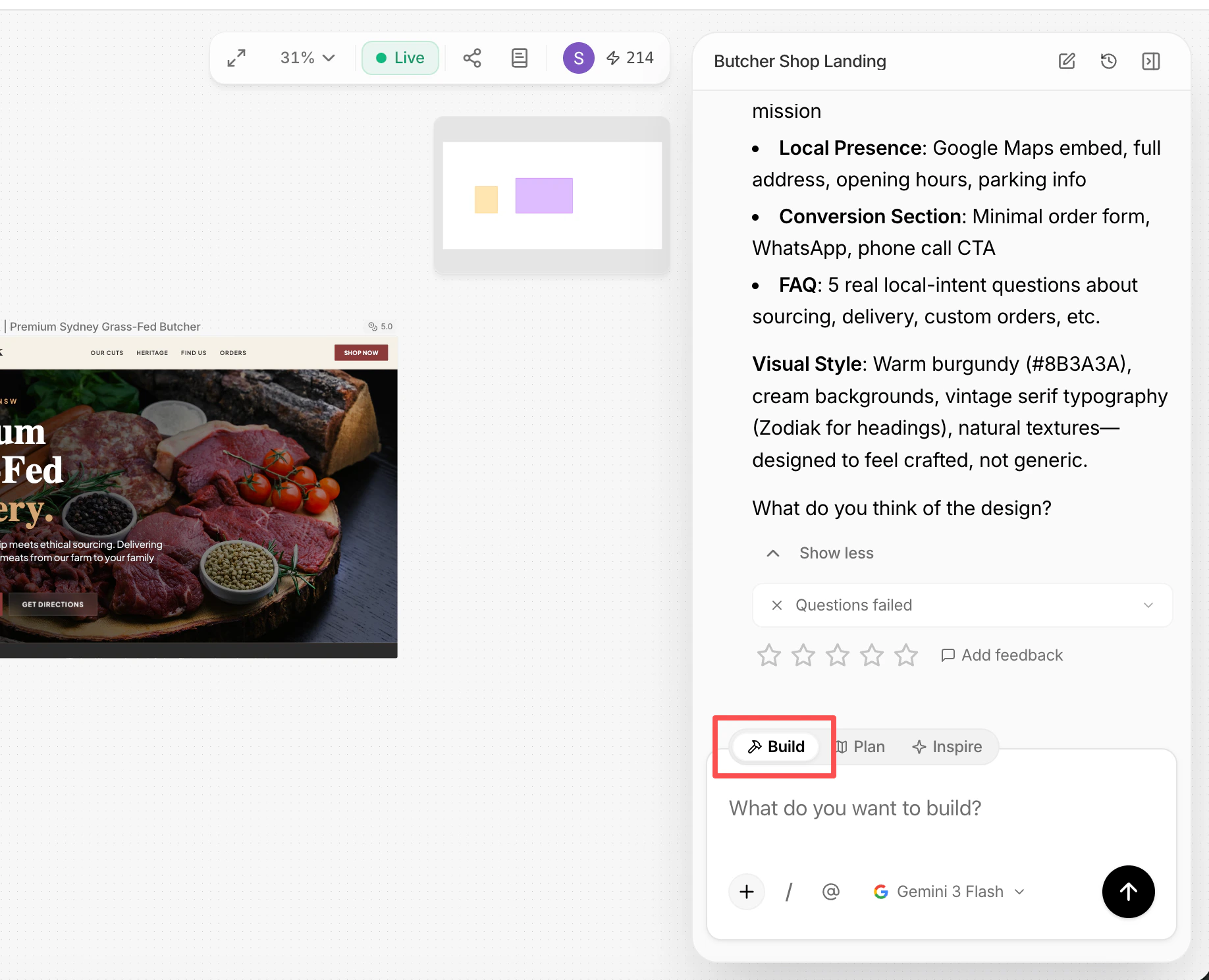
Build
Build mode is where actual design happens. Use this mode to:- Generate screens, flows, and components
- Iterate on existing designs
- Make concrete changes to the canvas
Plan
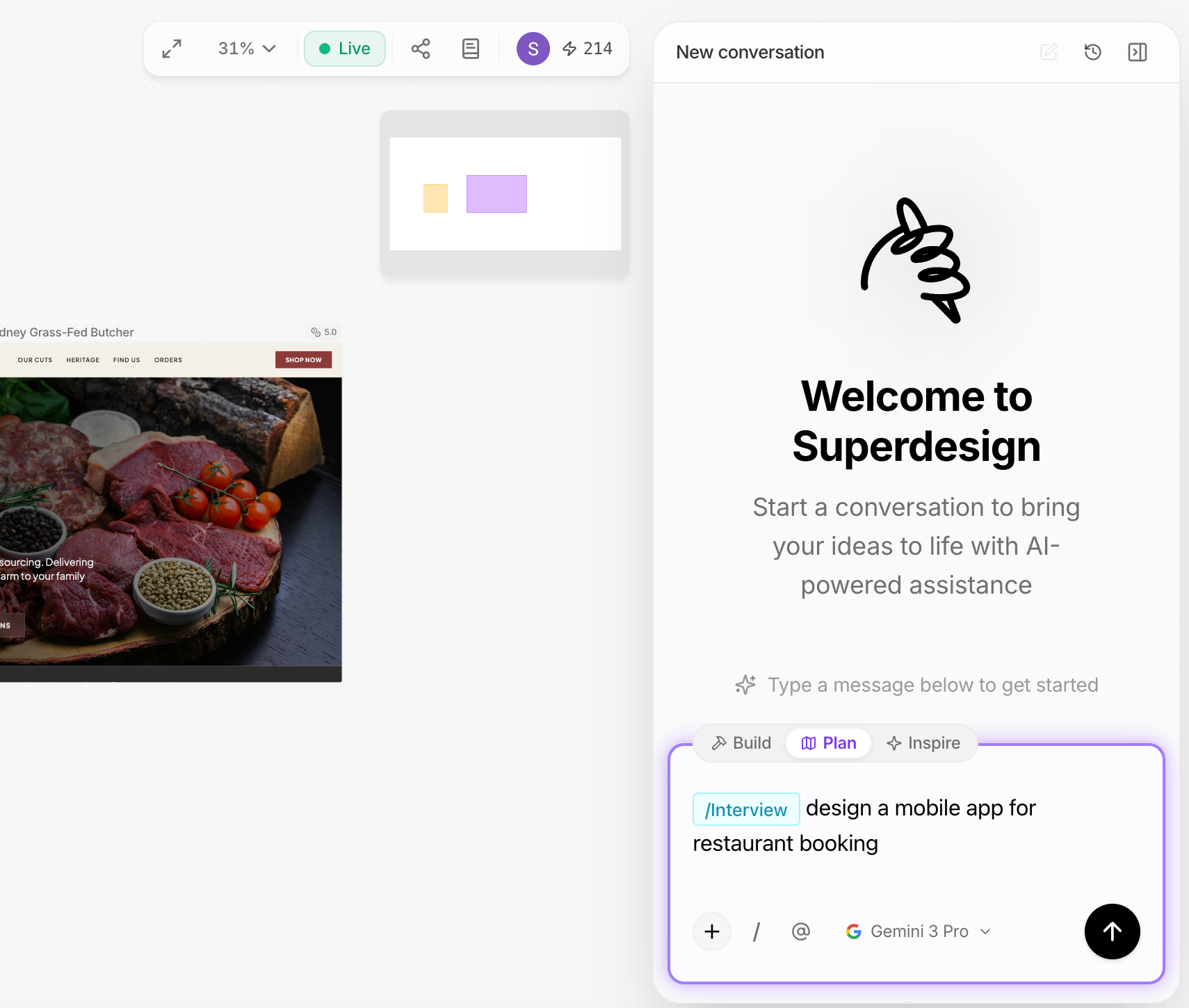
Plan mode helps you think before building. Use this when your idea is still vague. The agent may:- Ask clarifying questions
- Suggest structure, scope, or approach
- Help define requirements and constraints
Inspire
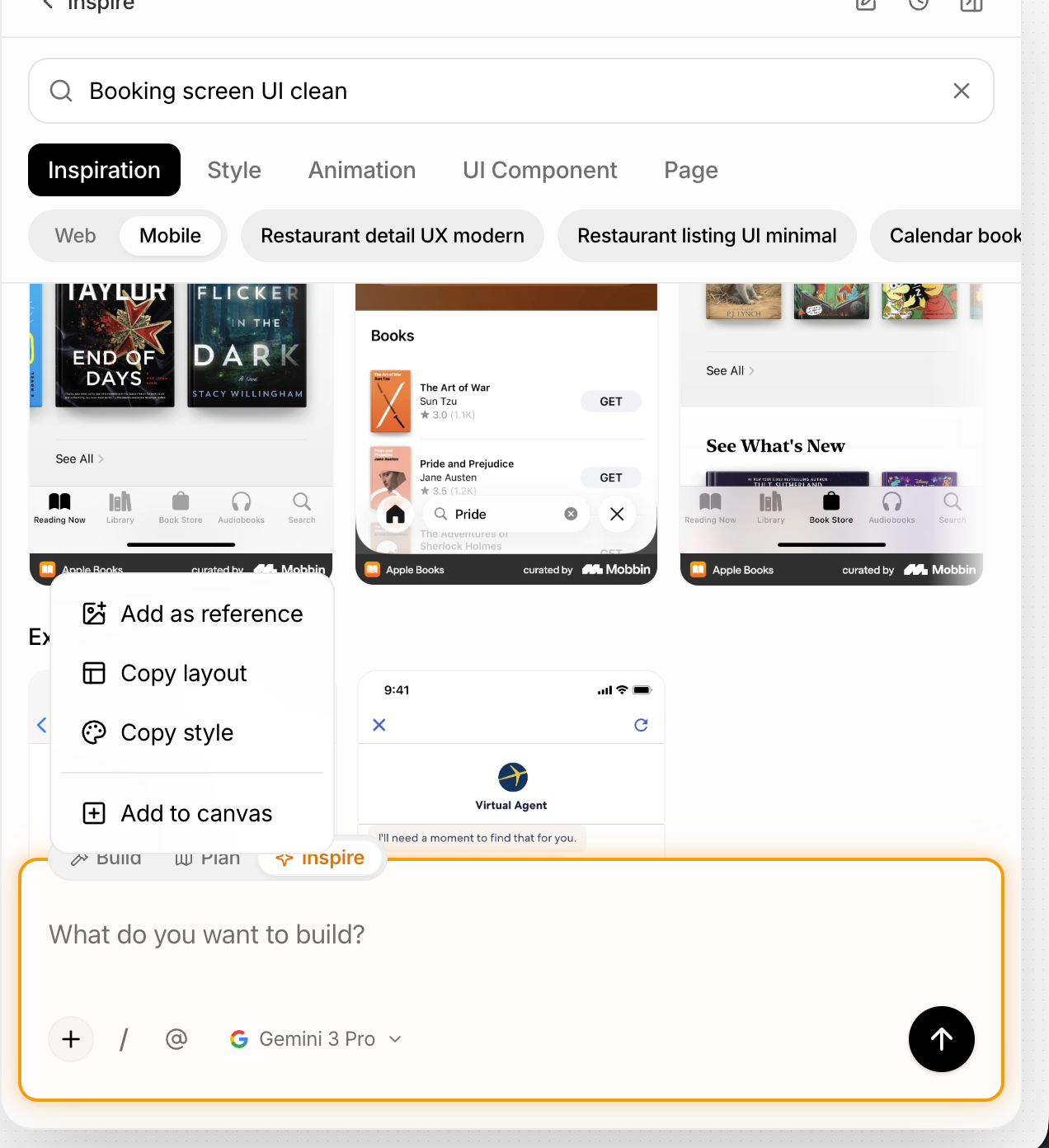
Inspire mode is for exploration and references. Use this when you’re unsure about:- Layout direction
- Visual style
- Interaction patterns
- Layout
- Style
- Animation
- UI components
- Add inspirations to the canvas
- Copy layout or style
- Pin references for later use
How to Think About Modes
| Mode | Purpose |
|---|---|
| Inspire | Find ideas |
| Plan | Decide what to build |
| Build | Make it real |