Documentation Index
Fetch the complete documentation index at: https://docs.superdesign.dev/llms.txt
Use this file to discover all available pages before exploring further.
Open the Extension
Navigate to the page you want to import (public or localhost), then click the Superdesign Chrome Extension icon.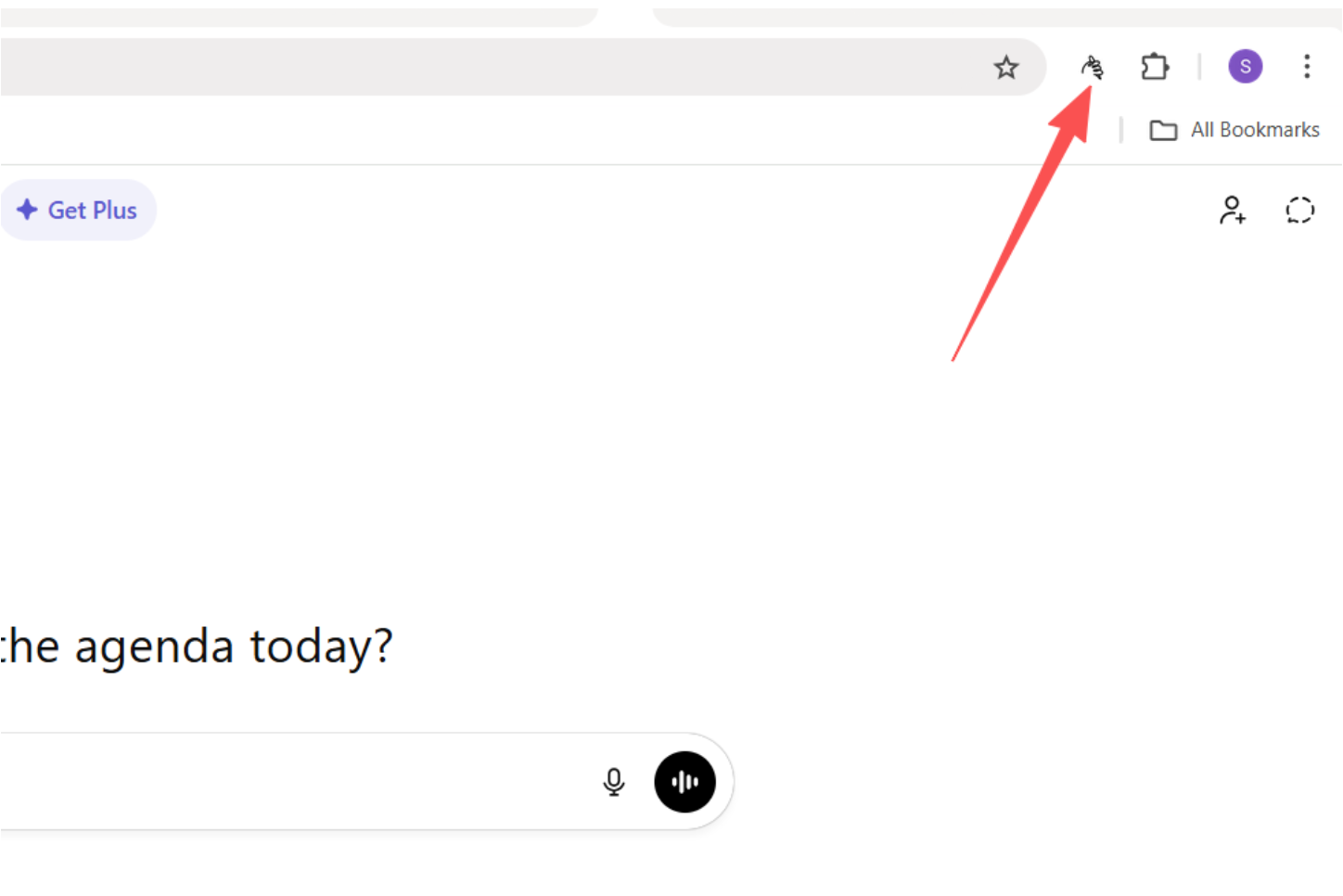
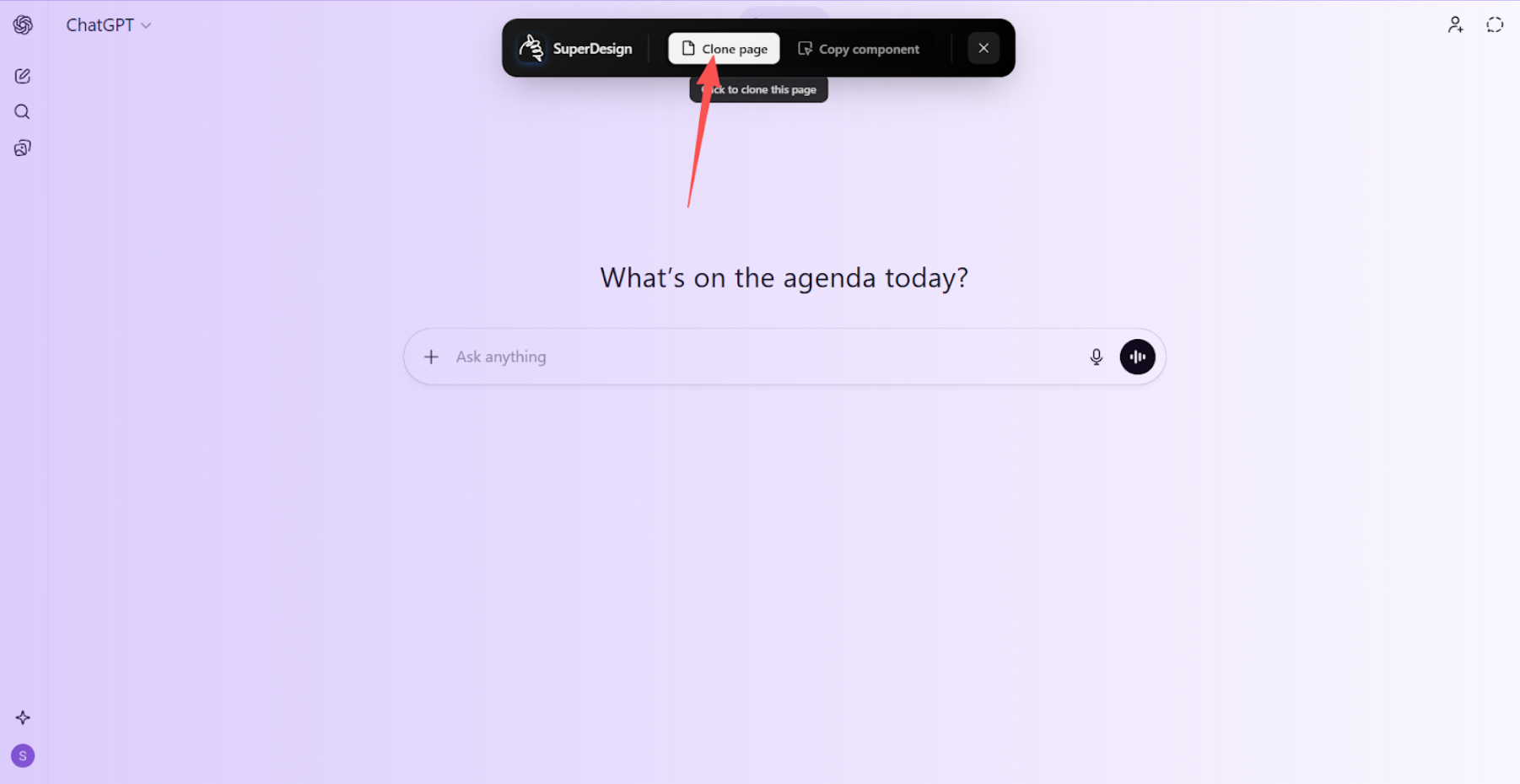
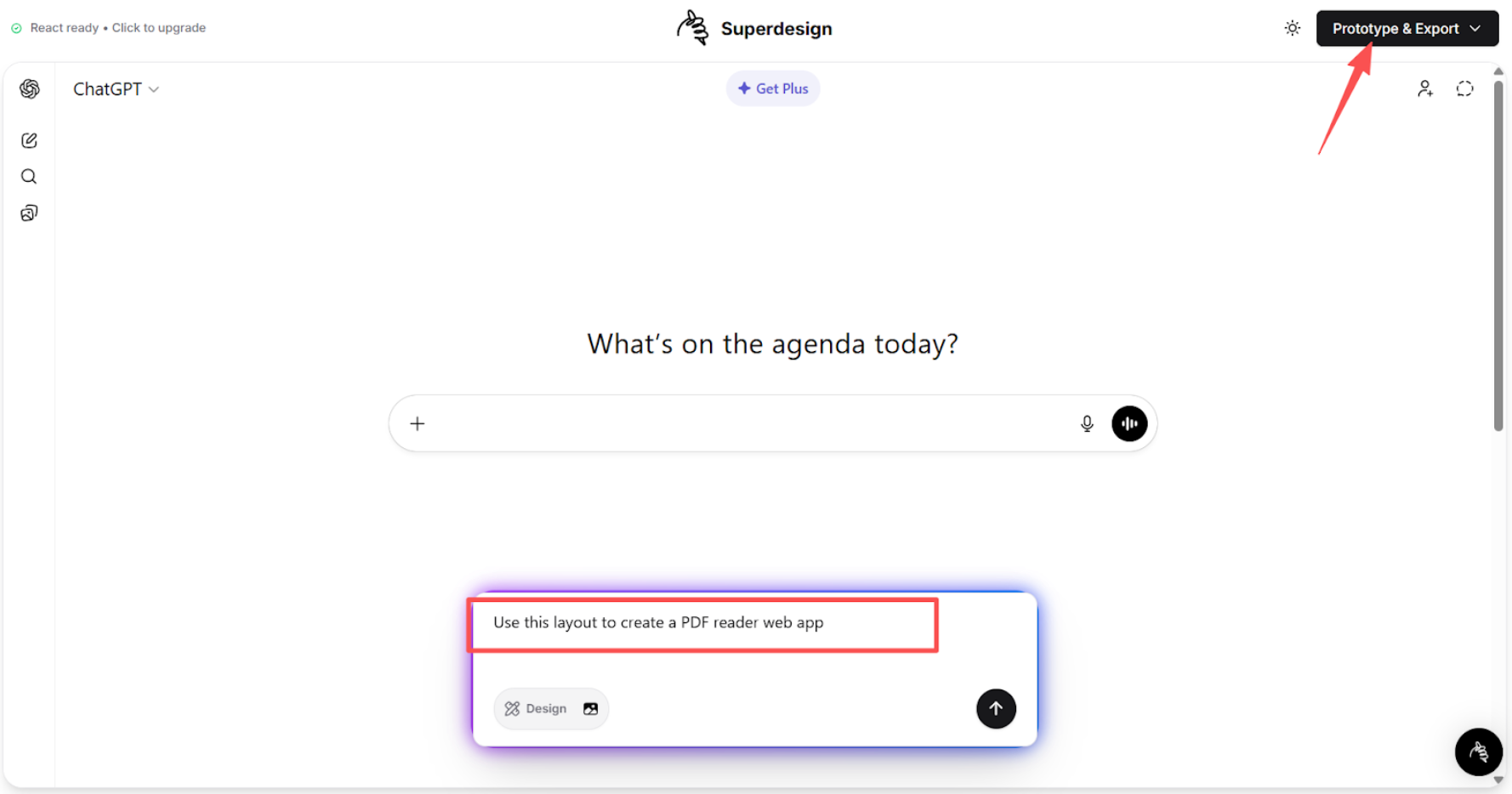
Describe Your Intent
Describe what you want to do with the cloned page in the middle bottom chatbox.