> ## Documentation Index
> Fetch the complete documentation index at: https://docs.superdesign.dev/llms.txt
> Use this file to discover all available pages before exploring further.
# Add Elements
> Use the + button to add designs, images, wireframes, and notes to your canvas
Use the **+** button to add new elements to your canvas. This is where exploration starts—designs, references, structure, and ideas all live together in one space.
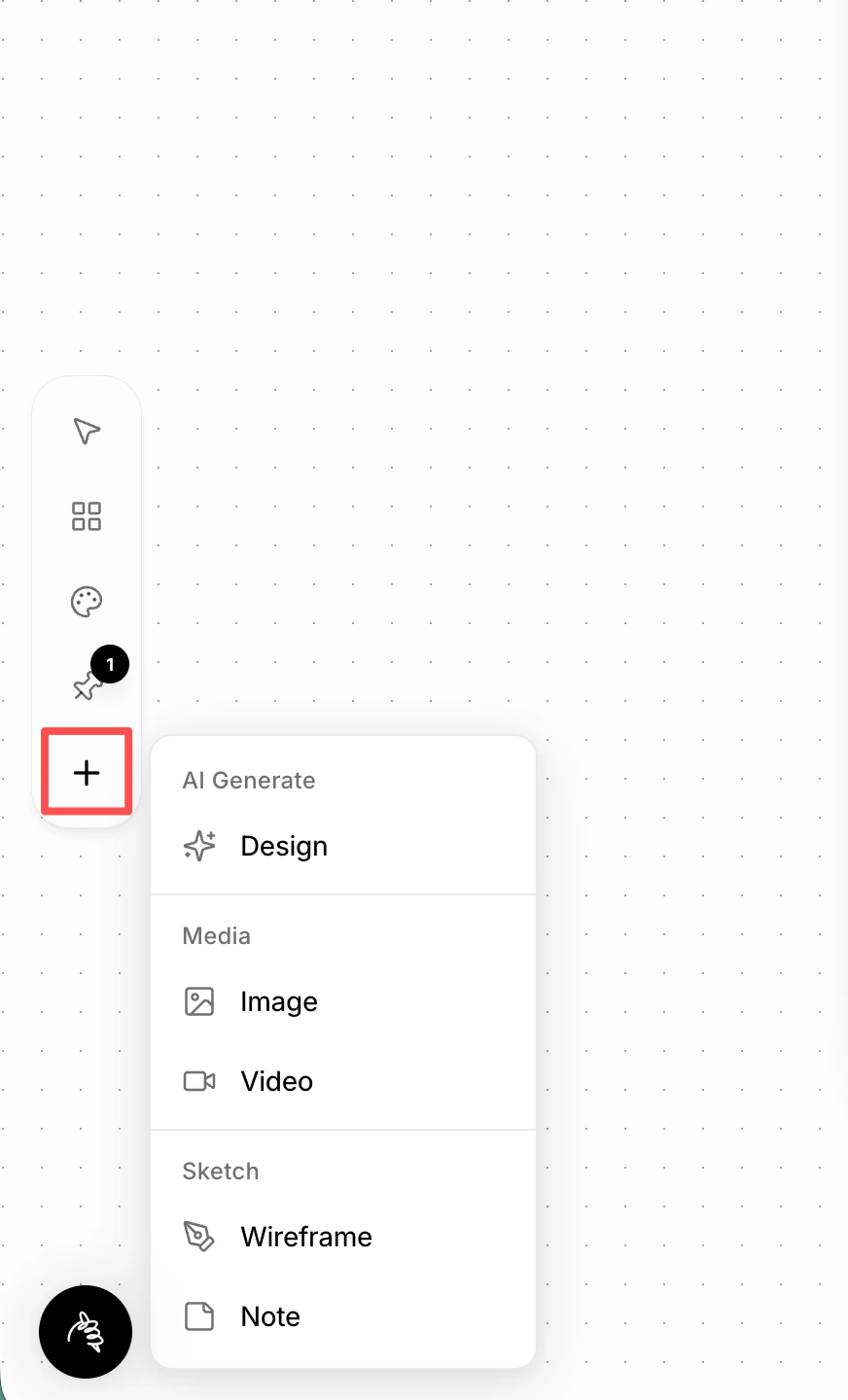 ## 1. Design
Create a new AI-generated design, best used for exploration and iteration.
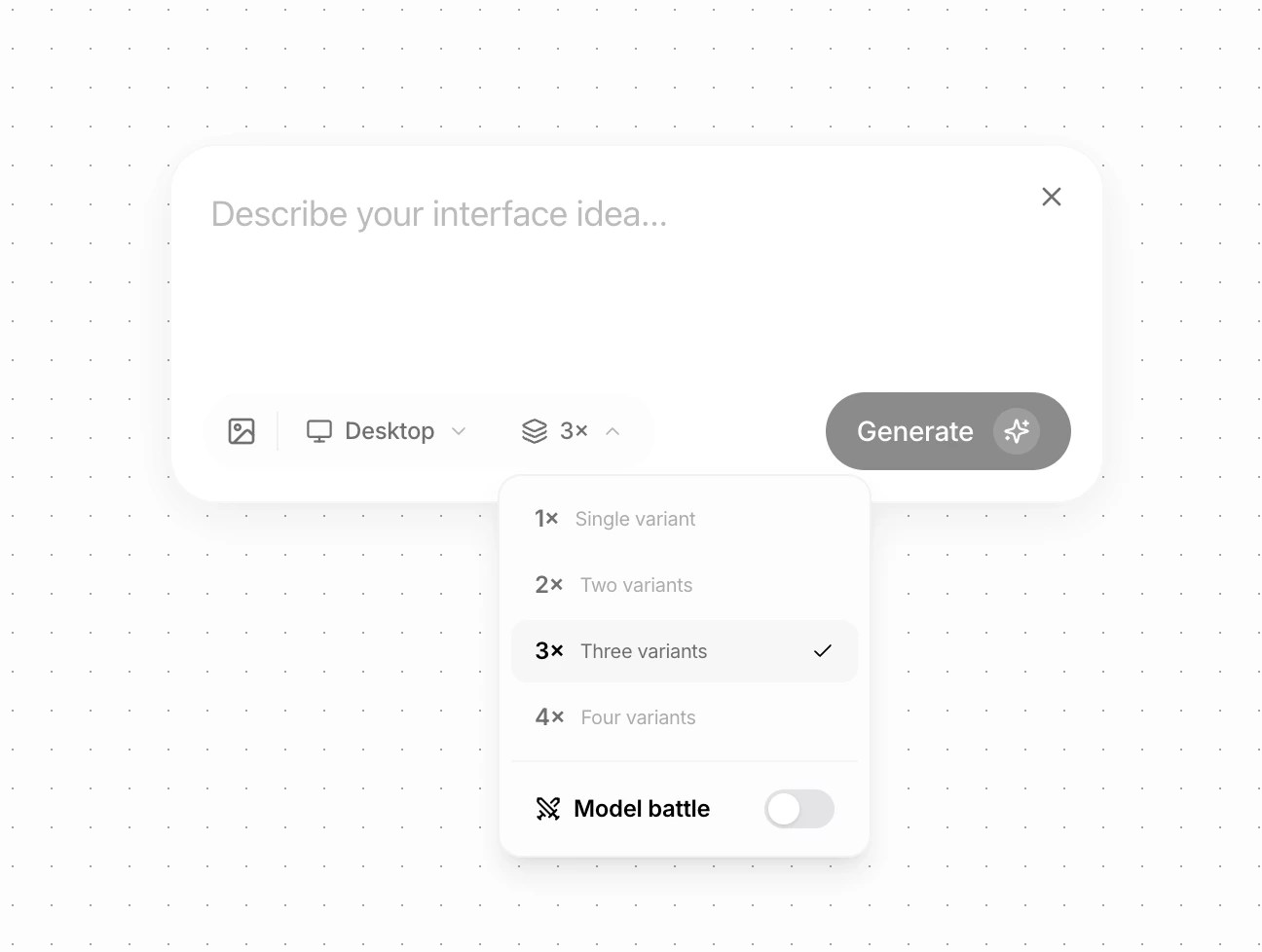
* Choose the primary device (Desktop, Mobile, etc.) from the dropdown
* Select how many variations you want (1–4)
* Enable **Model Battle** to generate designs from different models using the same prompt
* Compare layouts, styles, and directions side by side
This is ideal when you want to explore multiple design directions quickly.
## 1. Design
Create a new AI-generated design, best used for exploration and iteration.
* Choose the primary device (Desktop, Mobile, etc.) from the dropdown
* Select how many variations you want (1–4)
* Enable **Model Battle** to generate designs from different models using the same prompt
* Compare layouts, styles, and directions side by side
This is ideal when you want to explore multiple design directions quickly.
 ## 2. Image / Video
Add images or videos directly to your canvas.
You can use them as:
* **Inspiration** — mood, style, and references you may pin later
* **Design assets** that the agent can place into layouts
These elements stay on the canvas and can be pinned to context at any time.
## 3. Wireframe
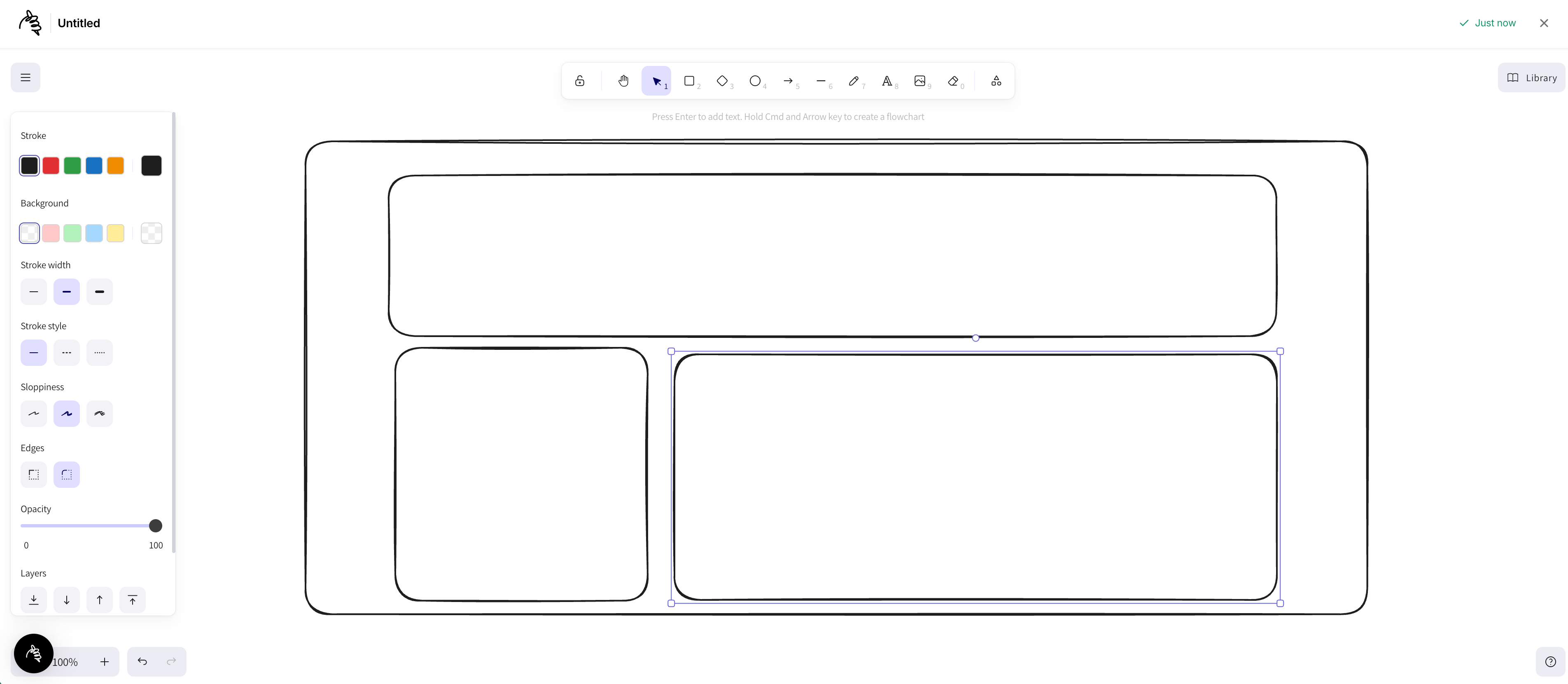
Draw a wireframe to communicate layout and structure more clearly to the agent.
* Sketch sections, blocks, and hierarchy
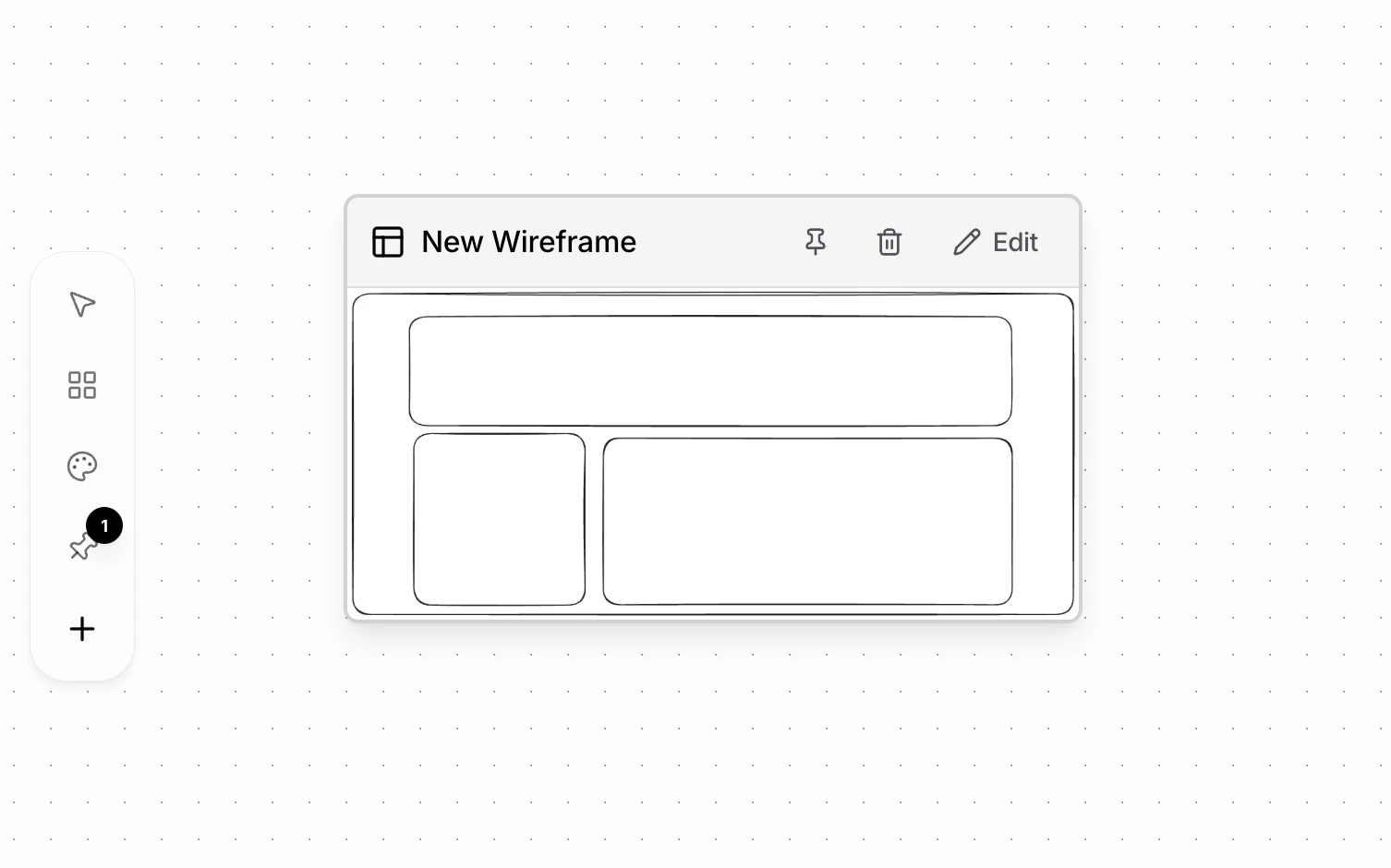
* Wireframes are saved automatically as components on the canvas
* You can edit or pin them later as design context
This helps the agent understand structure before styling.
## 2. Image / Video
Add images or videos directly to your canvas.
You can use them as:
* **Inspiration** — mood, style, and references you may pin later
* **Design assets** that the agent can place into layouts
These elements stay on the canvas and can be pinned to context at any time.
## 3. Wireframe
Draw a wireframe to communicate layout and structure more clearly to the agent.
* Sketch sections, blocks, and hierarchy
* Wireframes are saved automatically as components on the canvas
* You can edit or pin them later as design context
This helps the agent understand structure before styling.
 ## 4. Note
Add a simple note to capture ideas and thoughts.
* Use it like a sticky note on your desk
* Write inspirations, reminders, or rough ideas
* Notes don't affect design unless you choose to pin them
## 4. Note
Add a simple note to capture ideas and thoughts.
* Use it like a sticky note on your desk
* Write inspirations, reminders, or rough ideas
* Notes don't affect design unless you choose to pin them